The Apple MacBook Air 13-inch with the M5 chip is the best all-around laptop for most college students in 2026, thanks to its combination of performance, portability, and battery life. If you want to spend less, the Apple MacBook Neo is a strong budget option, while the Dell XPS 13 is worth considering if you prefer Windows.
The right choice depends on your major, budget, and the software your college requires. Below, you’ll find the best laptops for different student needs, a comparison of their strengths, and practical advice for choosing a computer that can handle several years of coursework. Find the best home-use laptops in 2026 for work, study, and entertainment.
Best laptops for college students: Quick comparison
These recommendations cover everyday coursework, Windows software, tight budgets, and students who need a touchscreen or ChromeOS device.
| Laptop | Best for | Main advantage | Main drawback |
| Apple MacBook Air 13-inch (M5) | Most college students | Strong performance and portability | Limited physical ports |
| Apple MacBook Neo | Budget-conscious students | Lower starting price and compact design | Less memory and storage in base configurations |
| Dell XPS 13 (2026) | Windows users | Lightweight design and sharp display | Limited connectivity on some configurations |
| Lenovo IdeaPad Slim 3x | Value and battery life | Practical everyday performance | Display and build quality depend on configuration |
| Acer Chromebook Plus 514 | Web-based schoolwork | Straightforward, affordable computing | Not suited to every desktop application |
| Lenovo Yoga 7i 2-in-1 | Handwritten notes and presentations | Convertible touchscreen design | Usually costs more than basic laptops |
These are category recommendations rather than claims that every configuration performs identically. Prices, available configurations, and exact model specifications can change. Recent 2026 laptop roundups also highlight the MacBook Neo, Dell XPS 13, and Lenovo IdeaPad Slim 3x for different student needs.
Apple MacBook Air 13-inch (M5): Best overall laptop for college
MacBook Air 13″ M5 (512GB) – Sky Blue | Evetech
The MacBook Air is the best starting point for students who want a portable laptop for writing papers, researching online, attending video lectures, and managing multiple assignments. Its M5 processor provides plenty of performance for everyday academic work, while its lightweight design makes it convenient to carry between classes.
Why college students should consider it?
- Performance: Handles research, documents, presentations, video calls, and multitasking comfortably.
- Portability: Its compact design fits easily into most college backpacks.
- Battery life: Designed for extended use away from a power outlet, although actual runtime depends on brightness and workload.
- Quiet operation: Its fanless design avoids the cooling-fan noise found in many traditional laptops.
- Display and keyboard: The sharp screen and comfortable typing experience are useful for long study sessions.
The main drawback is connectivity. Students who frequently connect USB-A flash drives, wired projectors, or multiple external accessories may need a USB-C hub or adapter.
Who should buy it?
Choose the MacBook Air if you want a reliable everyday computer and your required applications support macOS. It is particularly suitable for students studying business, communications, humanities, and many general academic subjects.However, check your department’s software requirements before buying. Some engineering, technical, and specialized business applications require Windows or have platform-specific limitations.Price guidance: Expect premium pricing compared with entry-level student laptops. Check Apple’s current US pricing and education offers before purchasing.
Apple MacBook Neo: Best budget laptop for college students
The MacBook Neo is a compelling choice for students who want a Mac without paying MacBook Air prices. It is built for everyday computing, including writing essays, browsing research sources, managing spreadsheets, and attending online classes.
The Neo uses Apple’s A18 Pro chip rather than the M-series processor found in the MacBook Air. It can handle ordinary student workloads, but it is not the ideal machine for demanding professional editing, heavy 3D work, or intensive gaming.
What makes it a good student laptop?
- A compact design that is easy to carry around campus.
- A display suitable for reading, writing, and watching lectures.
- Enough performance for common productivity tasks.
- Access to macOS applications and Apple’s wider software ecosystem.
What are the limitations?
Entry-level configurations have less memory and storage than many more expensive laptops. That matters if you keep numerous demanding applications open or store large video files, design projects, and offline course materials.Before purchasing, compare the base configuration with the next available storage option. You generally cannot upgrade a MacBook’s internal memory or storage later in the same way you might upgrade certain Windows laptops.Price guidance: Recent 2026 coverage places the Neo in the budget Mac category, with a reported $599 education price in some coverage. Verify Apple’s current retail and student pricing before publication.
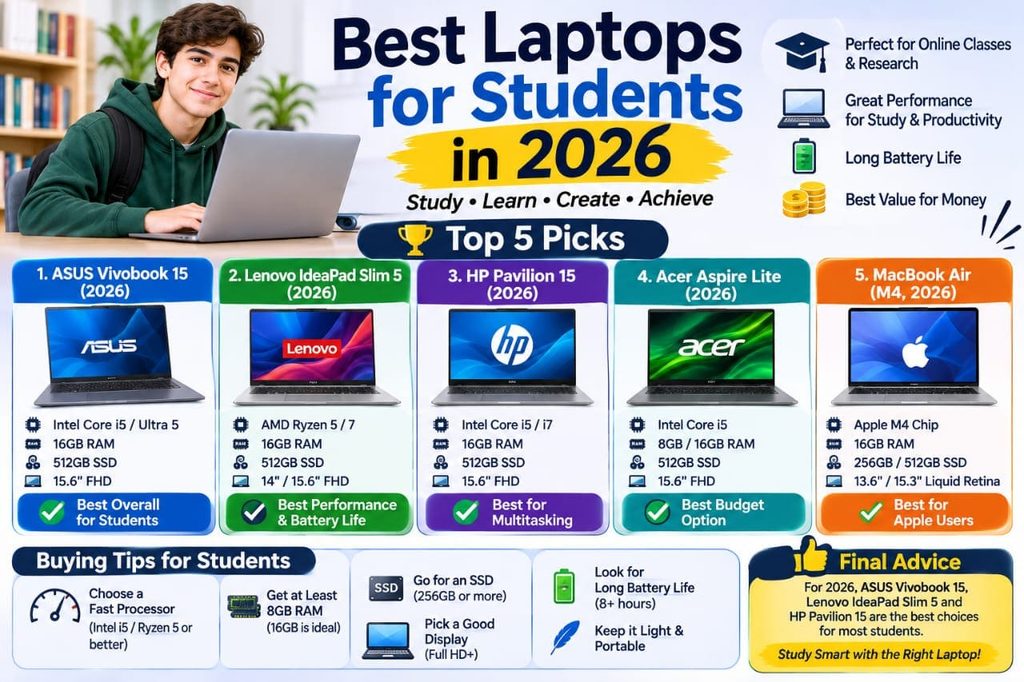
Dell XPS 13 (2026): Best Windows laptop for college
The Dell XPS 13 is a strong option for students who prefer Windows 11 and want a compact laptop with a premium design. It is well suited to research, office applications, online learning platforms, spreadsheets, and everyday multitasking.Its appeal comes from a combination of portability, a high-resolution display, and modern processors. Some configurations offer touchscreens, which can make navigation and certain creative tasks more convenient.
Reasons to choose the Dell XPS 13
- Windows compatibility: Useful when a course requires Windows desktop applications.
- Portable construction: Convenient for carrying between lectures and the library.
- Display quality: High-resolution options provide a clear workspace for documents and research.
- Keyboard: A good fit for students who regularly write long assignments.
The main consideration is the configuration. Processor, memory, storage, touchscreen availability, and port selection vary by model. Some versions also have limited physical connections, so check whether you need adapters for classroom equipment.if your course requires specialized software, confirm that it works with the specific processor architecture in your chosen configuration. This is particularly important for Windows laptops using ARM-based processors, which can have compatibility differences with certain applications and hardware.Price guidance: The XPS 13 typically occupies the midrange-to-premium Windows category, although education pricing and sales can make some configurations more competitive. Compare the total price with similar laptops before deciding.
Lenovo IdeaPad Slim 3x: Best value for everyday studying
The Lenovo IdeaPad Slim 3x is worth considering if you want a Windows laptop for coursework without spending heavily on premium features. It targets everyday productivity rather than high-end gaming or demanding professional creative work.For many students, that is enough. Writing papers, reading PDFs, using web-based learning systems, joining video calls, and working with spreadsheets do not require an expensive workstation.
What works in its favor?
- A practical option for general academic tasks.
- A Windows environment for common school and office applications.
- Configurations designed to balance performance, portability, and cost.
- A good alternative for students who prefer not to use macOS.
Battery life can be a major advantage on certain configurations, but don’t assume every model delivers the same runtime. Screen type, processor, memory, and battery capacity can affect real-world results.Before buying, prioritize a configuration with 16GB of RAM and a 512GB SSD, if your budget allows. These specifications offer more flexibility for several years of multitasking and storing coursework than a very basic configuration.
Best for: Students who need Windows for schoolwork and want to keep their spending under control.
Acer Chromebook Plus 514: Best for web-based coursework
A Chromebook can be the best laptop for a student whose college work happens mainly in a browser. The Acer Chromebook Plus 514 is worth considering for Google Docs, online research, email, video meetings, and web-based learning platforms.ChromeOS is designed around Google’s browser and cloud services. That makes it a reasonable choice for students who use Google Workspace or other browser-based applications and do not need specialized desktop software.
Advantages of a Chromebook
- Often more affordable than premium Windows laptops and Macs.
- Straightforward setup and a relatively simple operating system.
- Suitable for web research, online assignments, and document editing.
- Useful for students who save most of their work in cloud storage.
What should you check first?
A Chromebook is not a universal replacement for a Windows or macOS laptop. Desktop applications that require a full Windows installation, advanced engineering tools, and some professional creative programs may not work as expected.Check your school’s requirements before buying. Also consider whether you need reliable offline access, extra storage, or compatibility with printers and other classroom devices.Best for: Students whose workload mainly involves browser-based tools and who want to avoid paying for performance they will rarely use.
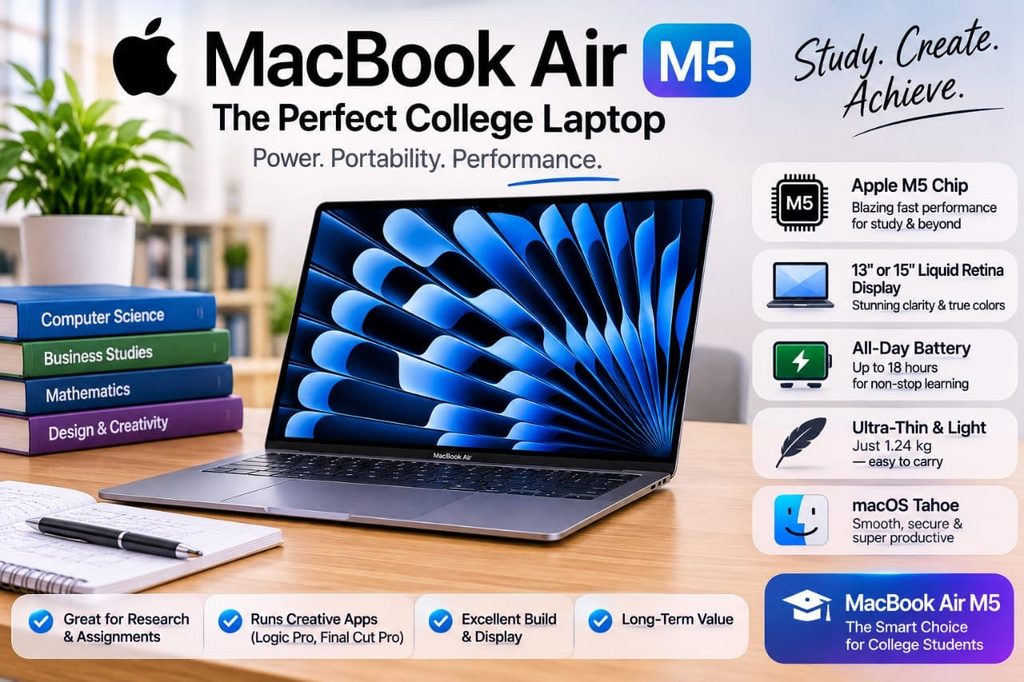
Lenovo Yoga 7i 2-in-1: Best laptop for handwritten notes
If you prefer writing directly on your screen, a convertible laptop can be more useful than a traditional notebook computer. The Lenovo Yoga 7i 2-in-1 is designed to switch between laptop and tablet-style modes, making it suitable for lectures, presentations, and reviewing class materials.
Why the convertible design helps
- Handwritten notes: Compatible pen support on selected configurations can help you annotate PDFs and write equations.
- Flexible positioning: Fold the screen into tent or presentation mode when needed.
- Traditional productivity: Switch back to laptop mode for essays, spreadsheets, and research.
- Touch interaction: Navigate documents and compatible applications with your fingers.
The main disadvantage is price. A convertible design can cost more than a conventional laptop with similar processing power, and a compatible stylus may be sold separately.Before purchasing, confirm the exact Yoga model, touchscreen specifications, and pen compatibility. The Yoga 7i name covers multiple configurations, so not every version includes the same accessories or features.Best for: Students who regularly annotate readings, draw diagrams, take handwritten notes, or present their work.
What laptop is best for college based on your major?
Your college major should influence your purchase more than a brand name. A laptop that is excellent for writing papers may not be suitable for engineering simulations or professional video editing.
| Major or study style | Recommended type | What to prioritize |
| Business and humanities | MacBook Air or Windows ultrabook | Battery life, keyboard, multitasking |
| Computer science | MacBook Air or Windows laptop | Required development tools, RAM, processor compatibility |
| Engineering and architecture | Compatible Windows workstation or powerful laptop | Required CAD software, RAM, graphics performance |
| Graphic design and media | MacBook Air or a suitable creative Windows laptop | Display quality, memory, graphics capability |
| Online courses | MacBook Neo, Windows laptop, or Chromebook | Webcam, microphone, stable connectivity |
| Mathematics and handwritten notes | Convertible 2-in-1 | Pen support, touchscreen, flexible design |
| Gaming alongside school | Dedicated gaming laptop | Graphics processor, cooling, memory |
Best laptop for engineering students
Engineering students should check their department’s recommended hardware before choosing a computer. Applications for computer-aided design (CAD), simulation, and 3D modeling may require a dedicated graphics processor, more memory, or a specific version of Windows.A thin, lightweight laptop is convenient, but compatibility matters more than appearance. If your program specifies a particular graphics card or processor, treat that requirement as a starting point rather than an optional upgrade.
Best laptop for writing and research
Students who mainly write essays, research topics, attend lectures, and create presentations do not need a high-performance gaming computer. A good keyboard, responsive system, clear display, and dependable battery will usually matter more.For these workloads, the MacBook Air, MacBook Neo, Dell XPS 13, and suitable Lenovo models are all worth comparing.
How to choose a good laptop for a college student?
The best purchase is one that meets your course requirements without making you pay for features you will not use.
Set a realistic budget
Start with the amount you can afford, then compare the complete cost rather than the advertised starting price. Accessories, adapters, warranties, and extra storage can increase the final bill.As a general US shopping guide, consider these approximate budget bands. They are planning ranges, not verified prices for every current model.
| Budget | What to expect |
| Under $400 | Basic Chromebooks, discounted models, and some refurbished laptops |
| 400–700 | Entry-level Windows laptops, Chromebooks, and budget Macs when discounted |
| 700–1,100 | More capable Windows laptops and selected Mac configurations |
| $1,100 and above | Premium ultrabooks, higher-specification Macs, and specialist laptops |
Look for education discounts and seasonal sales, but compare the final configuration and return policy before choosing a deal.
Choose the right operating system
Your operating system determines which applications you can run and how you interact with your computer.
- Windows 11: A flexible choice for general computing and many specialized desktop applications.
- macOS: A strong option for productivity, creative work, and students already using Apple devices.
- ChromeOS: Suitable for browser-based work and students whose schools support Chromebooks.
If your school requires a specific application, confirm compatibility before paying. Do not assume that a program works on every operating system just because its name appears in an online app store.
Get enough RAM and storage
RAM is short-term working memory that helps your laptop manage open applications. An SSD is the internal storage drive where your operating system, applications, and files are saved.For most students buying a Windows or Mac laptop in 2026, 16GB of RAM is a sensible target if the budget allows. Eight gigabytes may be enough for lighter workloads, but extra memory gives you more room for multitasking and demanding applications.For storage, aim for a 512GB SSD if you plan to keep several years of coursework, applications, photos, or creative projects on your laptop. A 256GB drive can work for lighter use if you manage files carefully or rely on cloud storage
Check battery life and portability
College students often move between lecture halls, libraries, dorm rooms, and coffee shops. A lighter laptop with dependable battery life can be more useful than a larger machine with higher performance you rarely need.Compare independent battery tests where available instead of relying only on manufacturer estimates. Screen brightness, video calls, gaming, and heavy applications can reduce runtime considerably.A 13- or 14-inch laptop is a practical starting point for portability. A 15- or 16-inch screen can be better if you regularly work with large spreadsheets, multiple windows, or creative applications.
Check the keyboard, webcam, and ports
A laptop is a daily study tool, so small details can make a real difference.
- Look for a comfortable keyboard if you write long assignments.
- Choose a clear webcam and microphone for remote classes.
- Check for USB-C, USB-A, HDMI, or headphone connections based on your accessories.
- Consider a backlit keyboard if you study in dim environments.
- Check the display’s brightness and reflections if you work near windows.
You may need an adapter if your laptop lacks the ports required by your college’s projectors or lab equipment.
Think about repairability and long-term use
A laptop bought for freshman year may need to last through graduation. A sturdy chassis, reliable warranty support, and sufficient specifications can help you avoid an early replacement.Check the manufacturer’s warranty terms and whether the battery, storage, or memory can be serviced or upgraded. Many thin laptops have soldered memory or non-upgradeable storage, so choose your configuration carefully at purchase.Also ask whether your college offers technical support, loaner computers, or discounted software. Those services may influence which laptop makes the most sense.
How we selected these college laptop recommendations?
This guide compares laptops by their intended student use, including everyday performance, portability, battery life, operating-system compatibility, and price category. It also considers independent 2026 laptop coverage from publications that evaluate student-focused models and their trade-offs.Editorial transparency: These recommendations are based on published product information and external reviews, not hands-on testing by this article’s author. Before publication, the editor should verify current US configurations, prices, education discounts, and availability.
Frequently Asked Questions
What’s a good laptop for a college student on a budget?
The Apple MacBook Neo is worth considering if you want an affordable Mac, while a Lenovo IdeaPad or Acer Chromebook may suit students who prefer Windows or browser-based computing. Compare memory, storage, and software compatibility before choosing based on price alone.
Which laptop is best for students who use Microsoft Office?
A Windows laptop such as the Dell XPS 13 is a strong option, but Microsoft Office also runs on macOS and is available through web applications. Choose the platform that best supports your school’s other required software.
What is the best laptop for school if I need it to last four years?
Choose a well-built laptop with enough memory, storage, and battery life for your expected workload. For most students, 16GB of RAM and a 512GB SSD are sensible targets, provided the computer also meets their course requirements.
Is a Chromebook good enough for college?
Yes, a Chromebook can work well if your coursework mainly uses a browser, Google Workspace, and online learning platforms. It may not be suitable if your major requires specialized Windows or macOS desktop applications.
Should I buy a MacBook or a Windows laptop for college?
Choose a MacBook if you prefer macOS and your required applications support it. Choose Windows if your course depends on Windows-specific software or you need compatibility with particular school systems and accessories.
Final Thoughts
For most college students, the MacBook Air 13-inch is the strongest all-around choice, while the MacBook Neo offers a more budget-conscious way to enter Apple’s ecosystem. If you prefer Windows, compare the Dell XPS 13 and Lenovo IdeaPad Slim 3x, and always check your department’s software requirements before buying.Start by setting your budget and checking your course requirements, then compare current prices and configurations rather than choosing by brand alone.